Add the check to your browser.
Baret is a Monad wallet that simulates each sign request and checks it against your rules before you sign. No account, no email. It is not in the Chrome Web Store yet, so it loads as a developer build.
Pick the build that matches your browser.
Download for Chrome, Brave and EdgeA zip archive with the extension inside. Nothing installs on its own, and nothing runs until you load it.
Version 0.1.0 · Manifest V3 · Chrome 111 or later
Also available for Baret for Firefox

Load it in three steps.
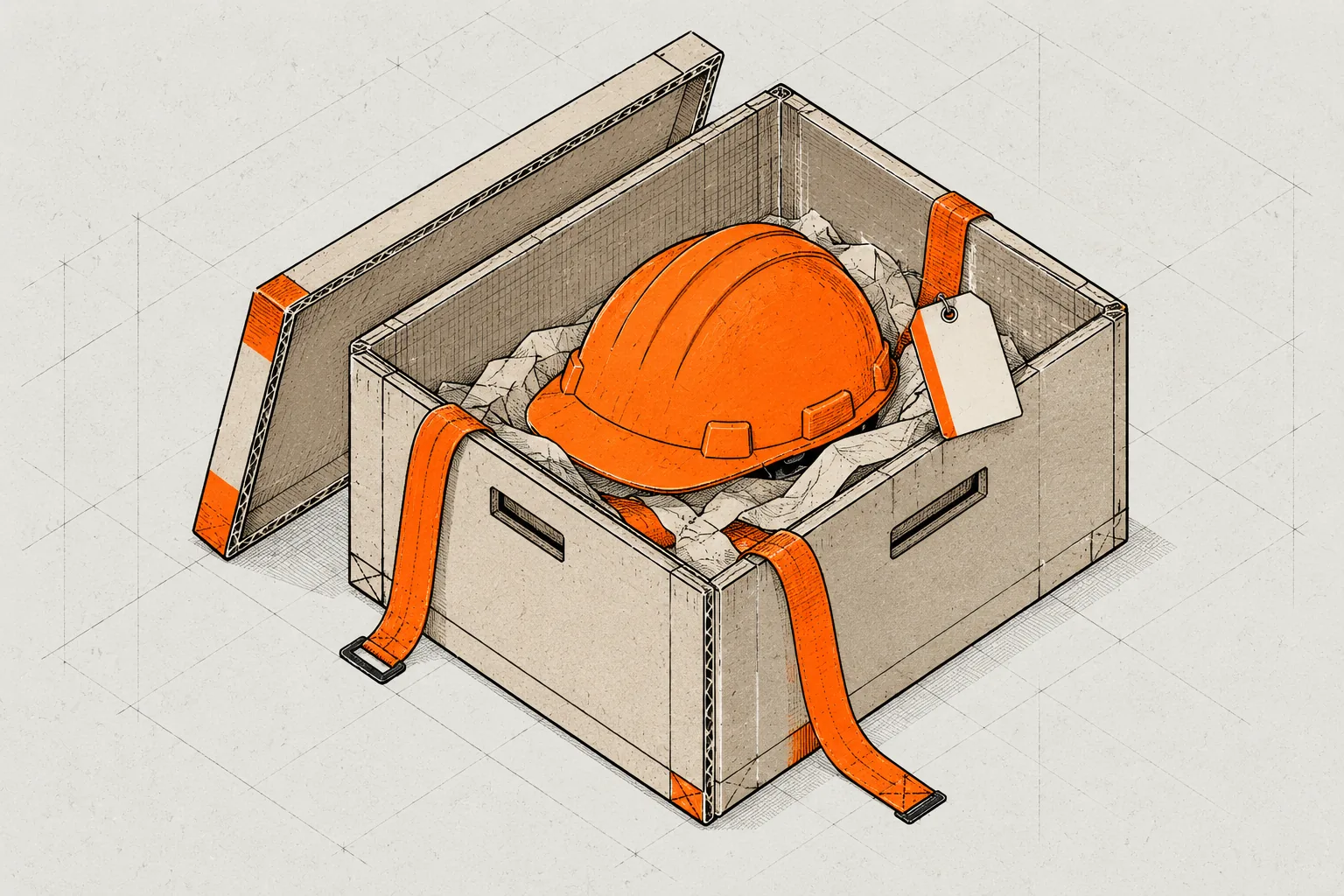
Extract the zip
Extract the archive to a folder you will keep. The browser loads Baret from that folder, so do not move or delete it.
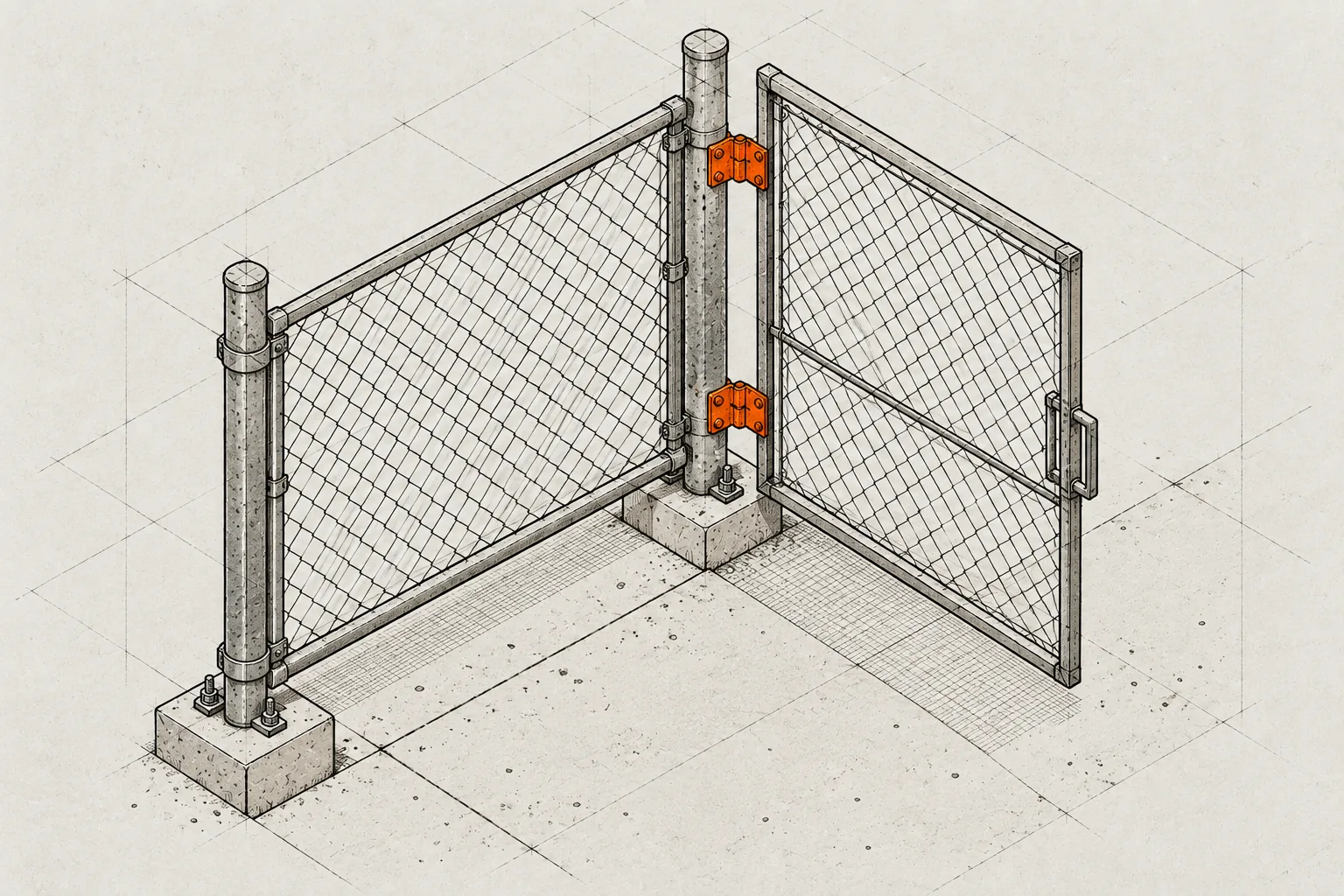
Open the extensions page
Paste chrome://extensions into the address bar and press Enter. Turn on Developer mode in the top right corner. In Edge, the switch is in the left sidebar.
chrome://extensions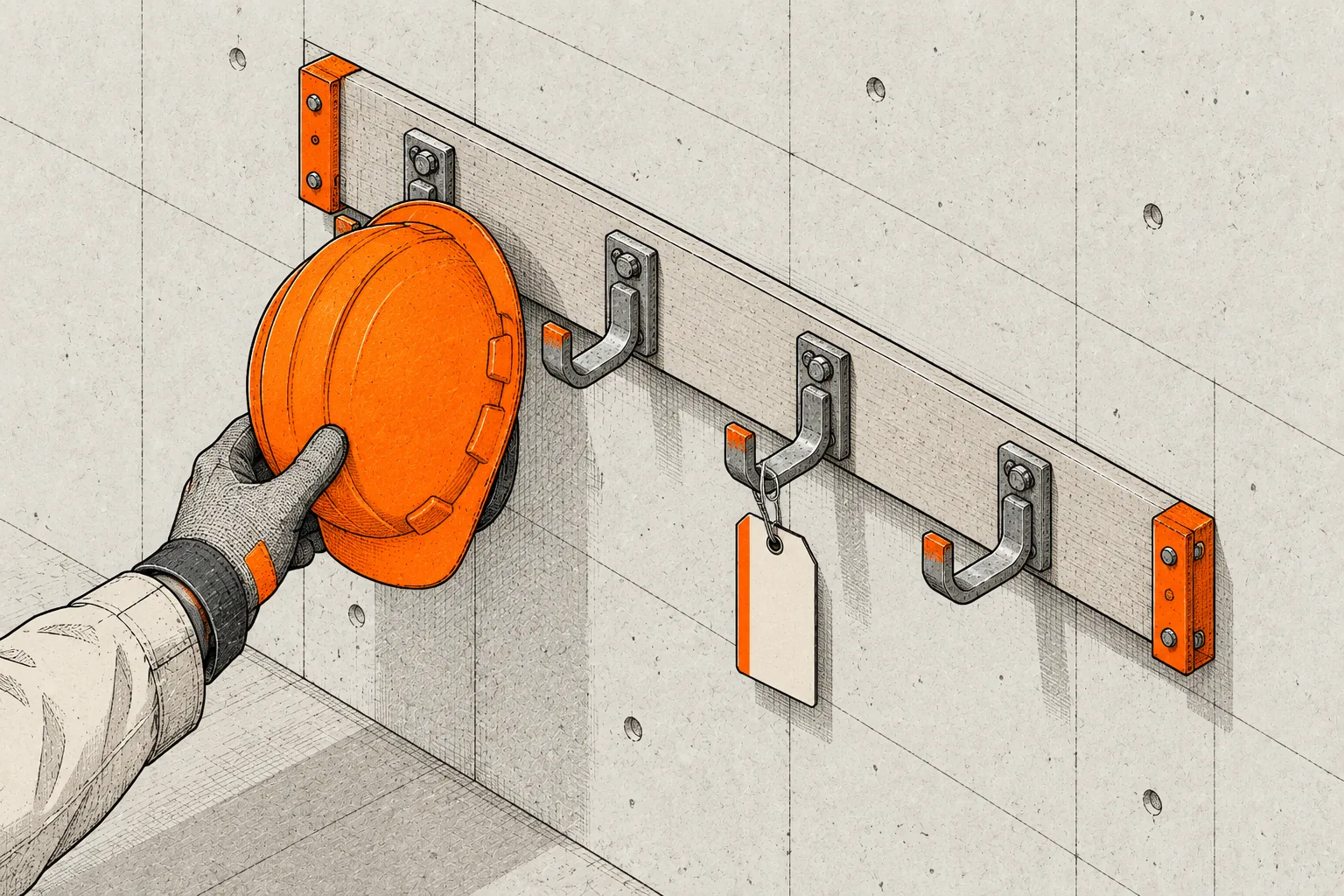
Load unpacked
Press Load unpacked and pick the Baret folder from step 1. Pin Baret from the puzzle-piece icon in the toolbar, then click it to set up your wallet.


About developer mode
Chrome loads an extension from a folder only when developer mode is on. It gives Baret no extra access and changes nothing about your other extensions.
Developer mode lets any folder load as an extension. Load only a build you made or downloaded yourself, from a source you trust.
Once Baret is in the store, install it from there instead.
What Baret can and cannot do
Any site can send a sign request, so Baret runs on every page to catch it. Chrome words this as 'Read and change all your data on all websites'.
It can
- Read the sign request a site sends, before you sign it
- Send the unsigned transaction, your address and the site's origin to the Baret server
- Refuse to sign when one of your rules blocks it
It cannot
- Send your key or recovery phrase off this device
- Sign anything you did not approve, or sign a payment over a cap in your rules
- Add a fee to your transactions
- Work on any chain other than Monad
Who else sees what
- Alchemy's Monad RPC serves the chain reads and a public Monad node runs the trace, so both see the unsigned transaction.
- Nansen and Cleanverse see the addresses Baret asks them about.
- Your key and recovery phrase stay on this device.
No audit yet. The code is open. Read it.
Read the sourceIf something goes wrong
Chrome says the manifest file is missing or unreadable
You picked the zip or a parent folder. Pick the folder that has manifest.json directly inside it.
There is no Load unpacked button
Developer mode is off. Turn it on in the top right corner of the extensions page, or in the left sidebar in Edge.
Baret is gone after Firefox restarted
Firefox removes temporary add-ons when it quits. Load it again from the debugging page. If your wallet is empty, restore it from your recovery phrase.
The Baret icon is not in the toolbar
Browsers hide new extensions behind the puzzle-piece icon. Open it and pin Baret.
The browser refuses to load Baret
Baret needs a Chromium browser from version 111, or Firefox 128 or later. Update the browser, then load it again.
Every sign request says Can't reach Baret
Baret could not finish its check, so it treats the request as Blocked. Check your connection and try again in a moment.


Take it for a run.
Six fake sites set six traps. Open one with Baret installed and read the sign request before you decide.